
Make your shop easier to buy from, one task at a time. These guides walk you through the Control Panel with pictures from Cart7 Demo Shop. Start with the area you need today, or follow the guides in order. Your own products, business details, and settings will be different.

Choose a guide
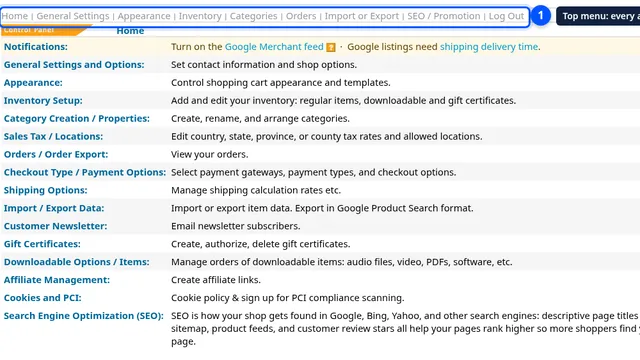
Getting started with your shop
Give shoppers a clear first impression.
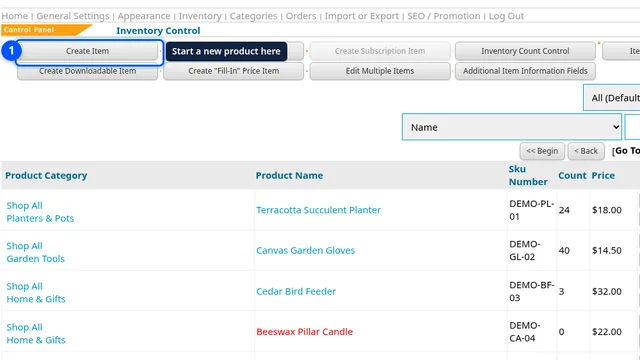
Products, photos, and options
Help shoppers choose the right product.
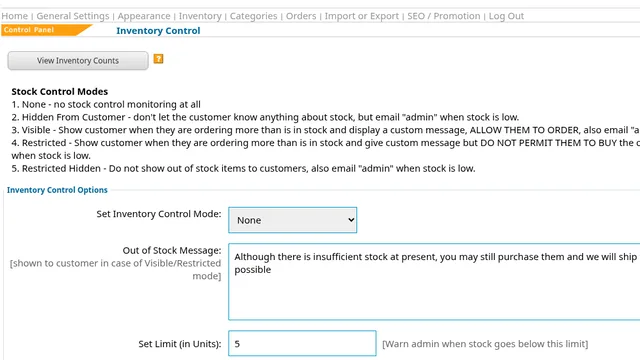
Inventory and stock control
Keep availability clear for shoppers.
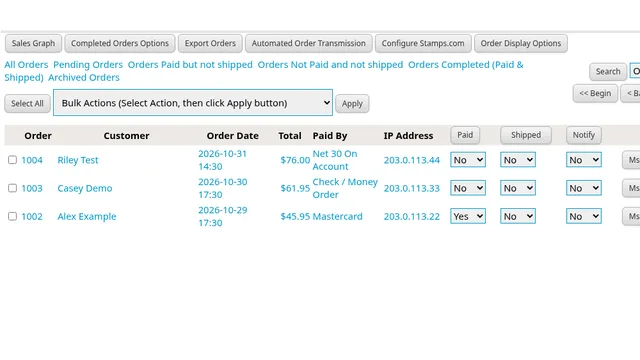
Orders and payments
Make buying easier with clear payment choices.
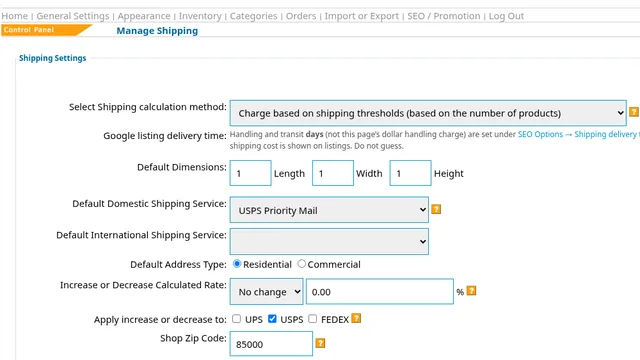
Shipping choices and charges
Give shoppers clear delivery charges.
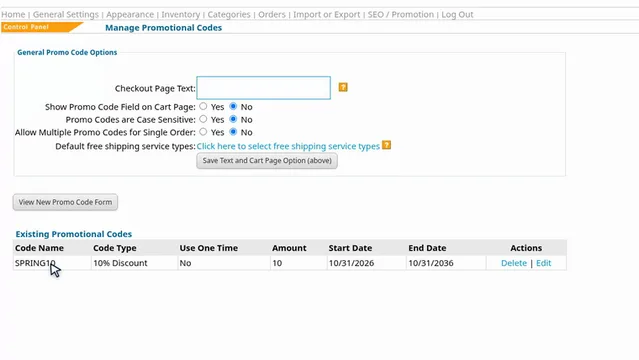
Promo codes and gift certificates
Give shoppers a clear reason to buy.
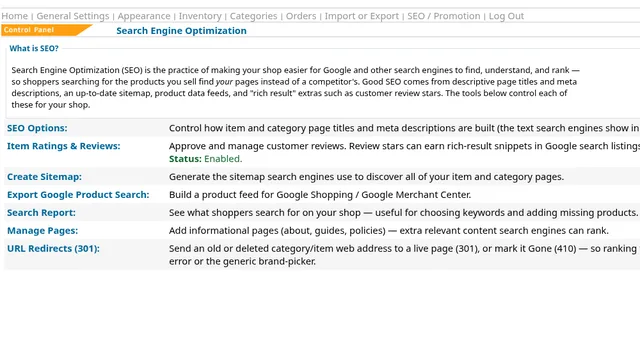
SEO and Google listings
Help shoppers discover your products.
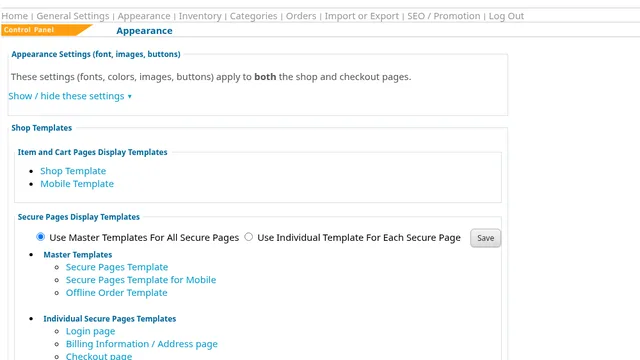
Your store’s look and labels
Help shoppers feel at home in your store.
A useful way to begin
- Open your Control Panel and choose the guide for your current task.
- Read the benefit and steps, then watch the example before making a change.
- Work on one setting or product at a time, then look at the shop as a customer would.
- Keep a short note of anything to revisit and return here for the next guide.
For a new shop, begin with Getting started, then add a product and review stock, payment, and shipping choices. For an established shop, go straight to the task you need. You can return here from every guide.
Learn more about our shopping cart. Questions about your next step? Contact us.