Posted by admin on March 9, 2012
Category Display Options
This section of the general settings allows you
to modify your categories’ look. |
|
Shop Control Panel |

(click here for larger image)
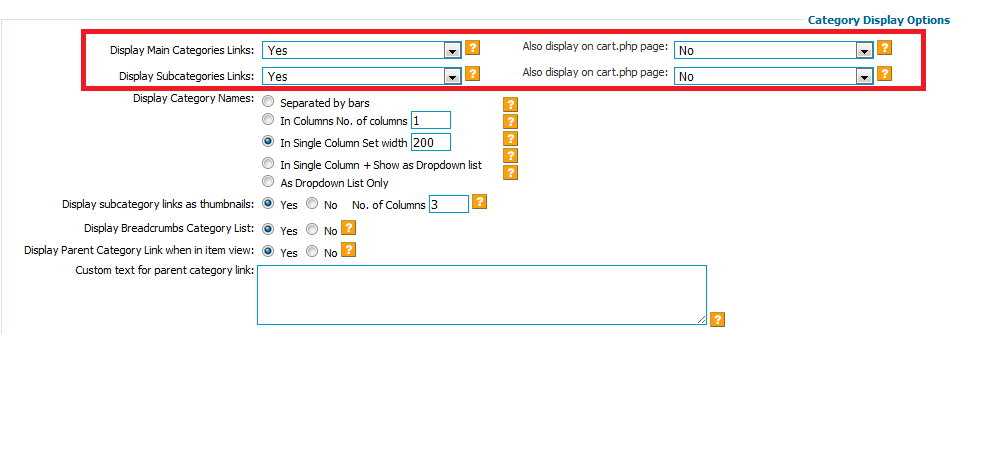
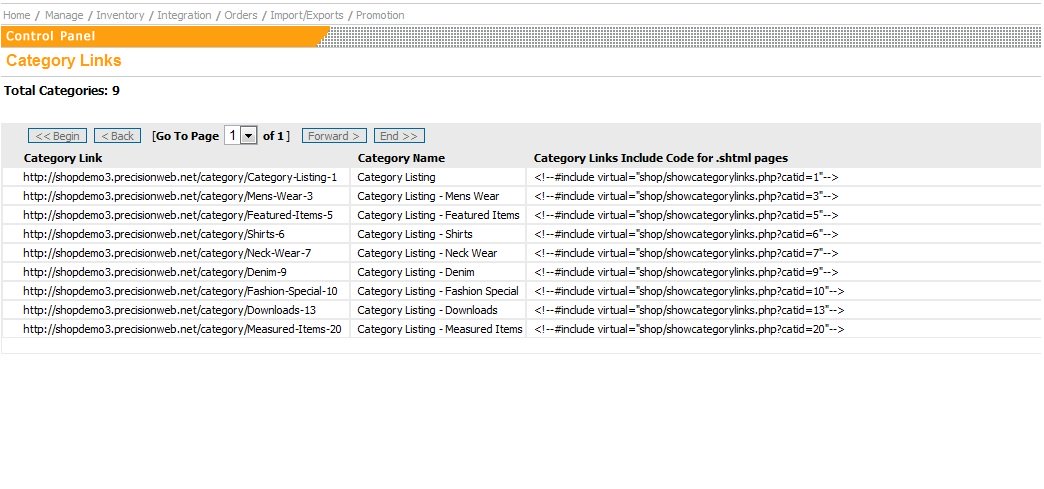
Category Links
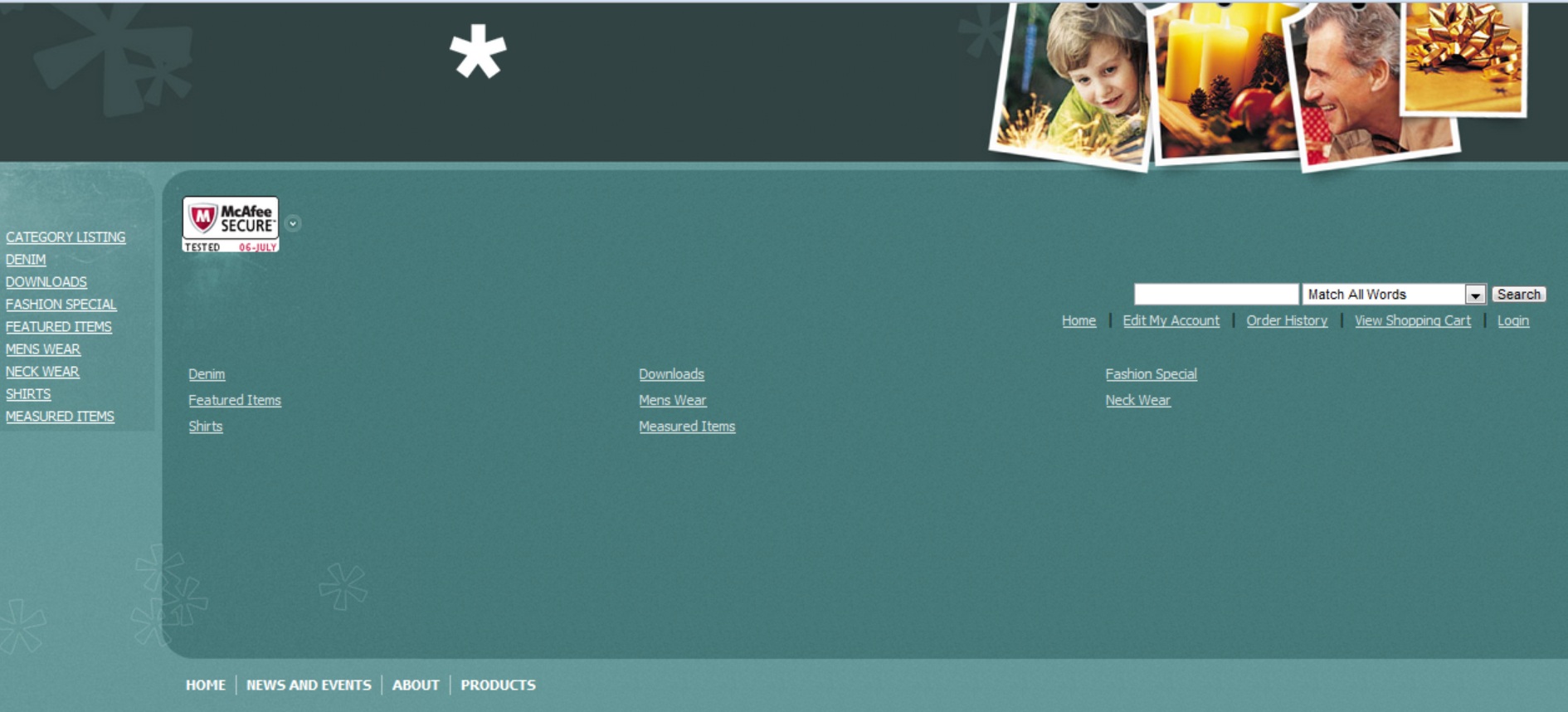
The shopping cart software allows you to choose whether to display categories in
the shop and/or the cart page of the shop.
You also have the ability to choose just to show the Main Categories or the
Subcategories as well.
|

(click here for larger image)
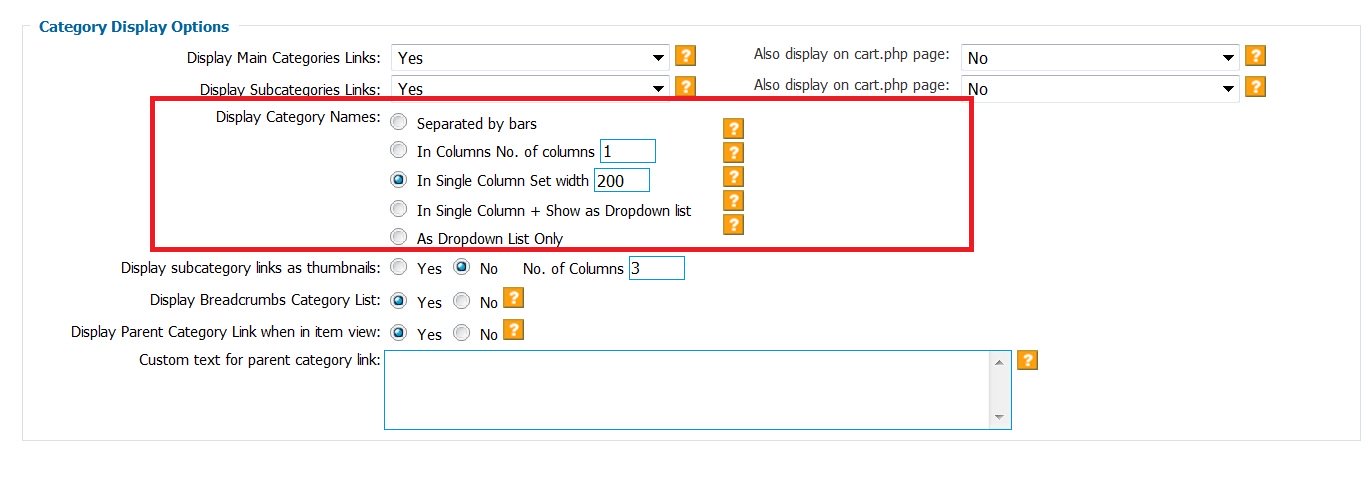
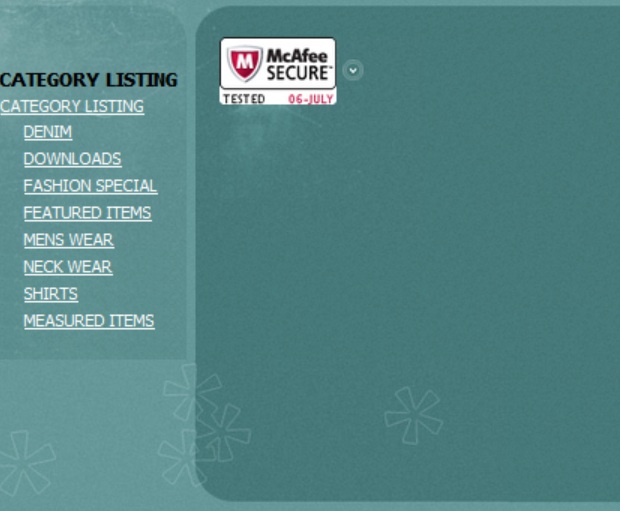
Category Display Names
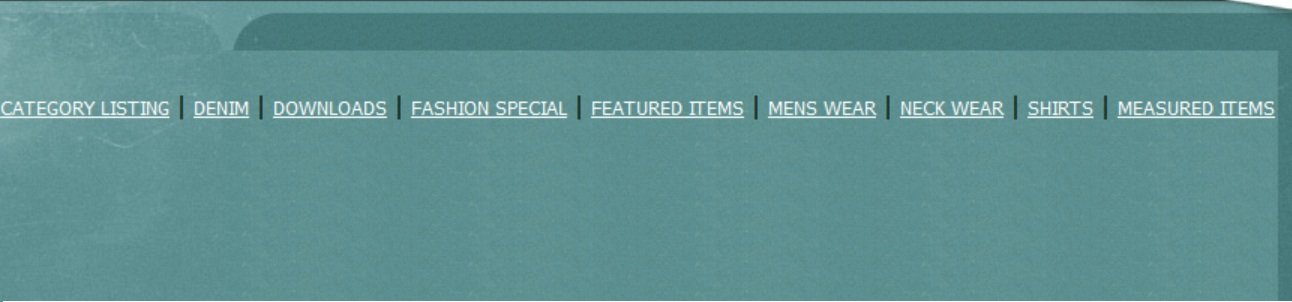
Separated by bars
Select to display categories separated by ‘|’

In Columns No.
of columns
Select and specify total number of columns in each row to
display categories in columns

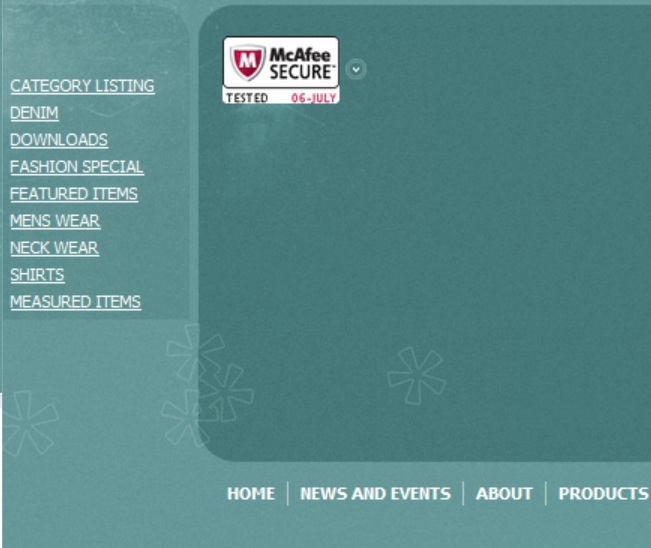
In Single Column Set
width
Select and specify column width to display categories in a single column

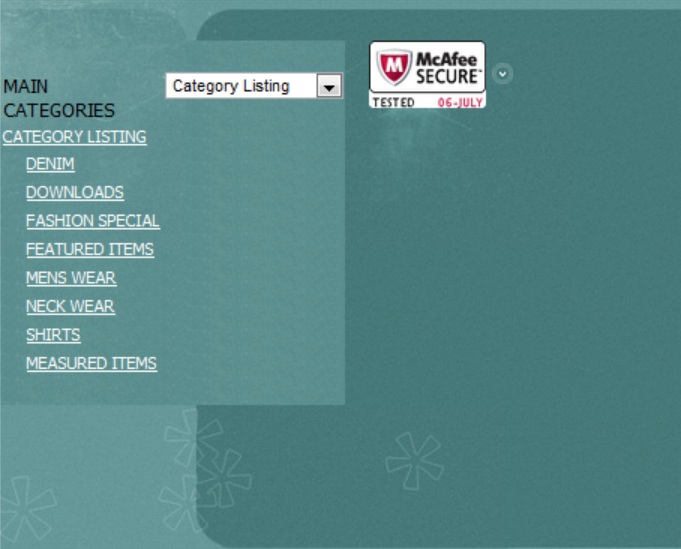
In Single Column + Show as Dropdown list
Select to display categories in as a dropdown list and also as a single
column

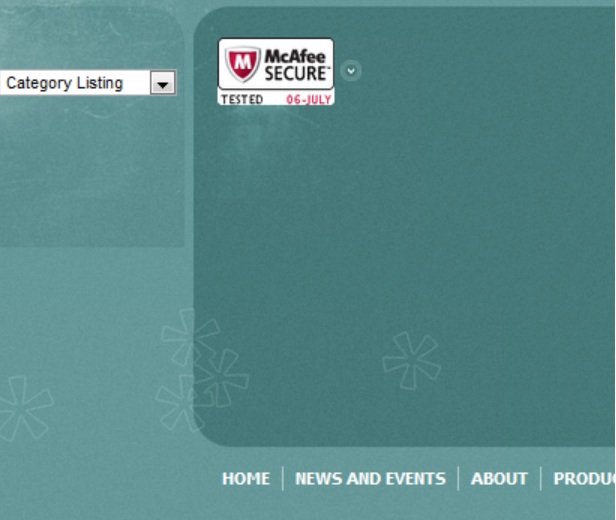
As Dropdown List Only
Select to display categories in as a dropdown list
only

|

(click here for larger image)
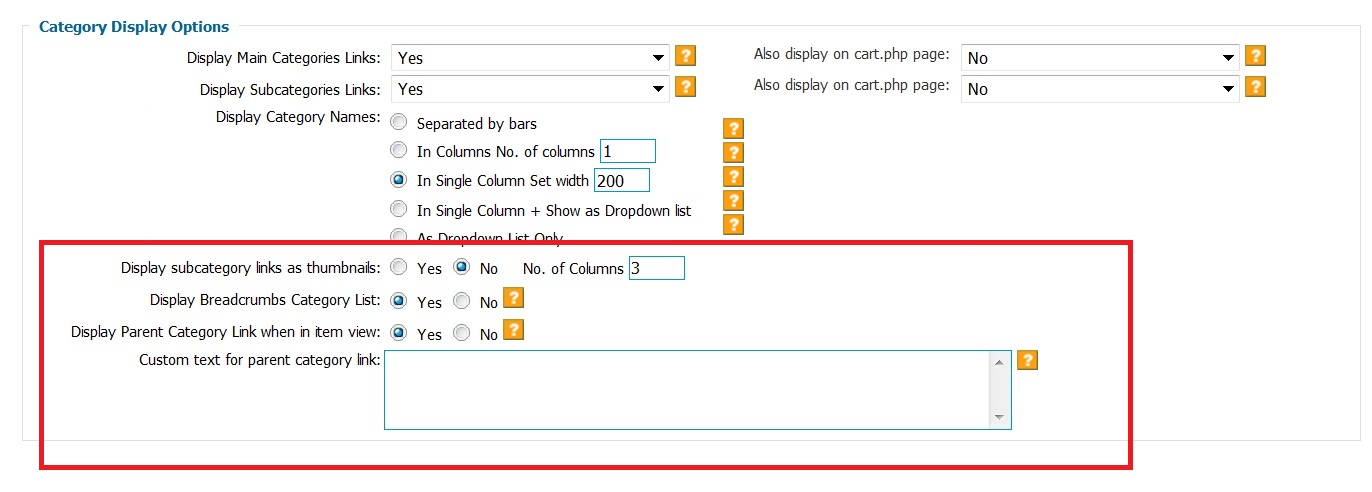
Other Category Display Options
Display subcategory links as thumbnails
This option allows you to see you subcategory links
on the main category page. This is a nice option to have links displayed
not only on the left hand side, but also on the main part of the page where it
is more visible. These links will appear after any custom html (optional)
entered for the category. You also have the option to enhance these links
by create images for these subcategory links. Navigate to:
Inventory > Manage Categories > Add Category (or Edit Category HTML) > Category
Image

Display Breadcrumbs Category List
This shows the customer the category tree of a
particular item allowing for easy navigation. If you click on an item, above the
item title you would see "Parent Category>Subcategory".
Display Parent Category Link when in item view
Displays a link to the Parent Category on the actual item
page.
|